Searching and Removing Teacher Accounts
Click Dashboard Settings from the Main Menu, then click Teacher Dashboard from its sub-menu. The Teacher Accounts screen appears.
Scroll down to the teacher email list at the bottom of the Teacher Dashboard page.
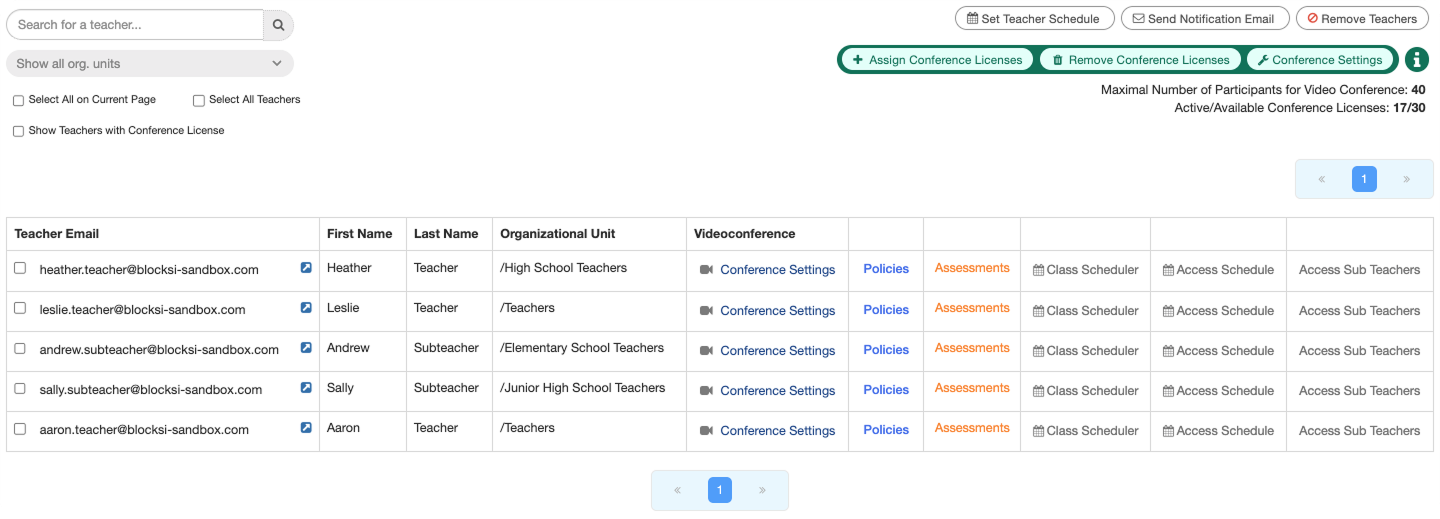
Type the email for the teacher account you are searching for in the Search for a teacher... text box. Additionally, you can search by organizational unit by selecting an OU using the Show all org. units drop-down list. All organizational units are shown by default.
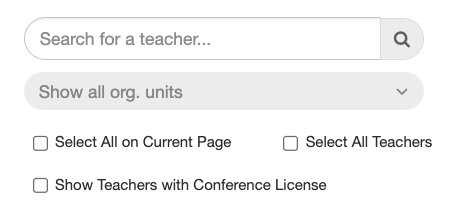
Click the
 icon to run the search. Any teachers matching the criteria are displayed in the teacher email list below.
Click Dashboard Settings from the Main Menu and then click Teacher Dashboard from its sub-menu. The Teacher Accounts screen appears.
Scroll down to the teacher email list at the bottom of the Teacher Dashboard page.
Select the checkbox to the left of the teacher account to remove and click the
 button. A confirmation prompt appears.
Click OK to remove the account.
Tip
Use the search box to quickly find the teacher accounts you want to delete.