Organizational Units
Organizational units reflect the setup of your school system.
To assign an exception list to a delegate OU:
Click Filtering from the Main Menu and then click Organizational Units from its sub-menu. The Delegate Organizational Units screen appears.

Click the
 icon to expand the tree.
Click the
 icon to the right of the desired OU. A window opens for that OU, as shown below.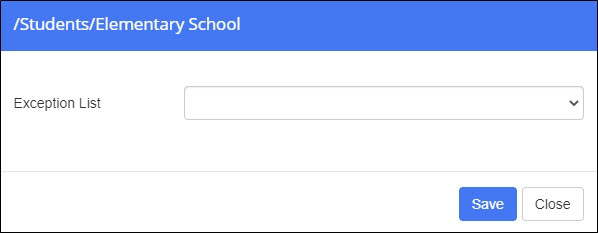
Select the exception list from the Exception List drop-down list.
Click Save. You are returned to the Delegate Organizational Units screen. Note that the selected exception list appears in the Exception List column for that OU.